Changing your WhatsApp DP is the smallest possible update to how you appear online, and the one people see most often. It shows up every time someone opens their chat list. This guide covers what’s actually working in 2026, the technical rules that decide whether it looks sharp or blurry, and the privacy setting most people have never opened.
WhatsApp DP size: get this right first
| Property | Value |
|---|---|
| Recommended upload | 1024 × 1024 pixels |
| Minimum useful | 640 × 640 pixels |
| Aspect ratio | 1:1 square |
| Display shape | Circle — corners are cropped |
| Best format | PNG for graphics, high-quality JPG for photos |
| Chat list display | Around 40 × 40 pixels |
That last row is the one that matters. Whatever you upload, most people will only ever see it at about 40 pixels — smaller than a fingernail. Every other decision follows from that.
DP ideas that work in 2026
Close-crop portrait
Face filling the frame, shot in daylight, plain background. Unglamorous advice, but it outperforms nearly everything else at small display sizes because the face occupies the whole circle.
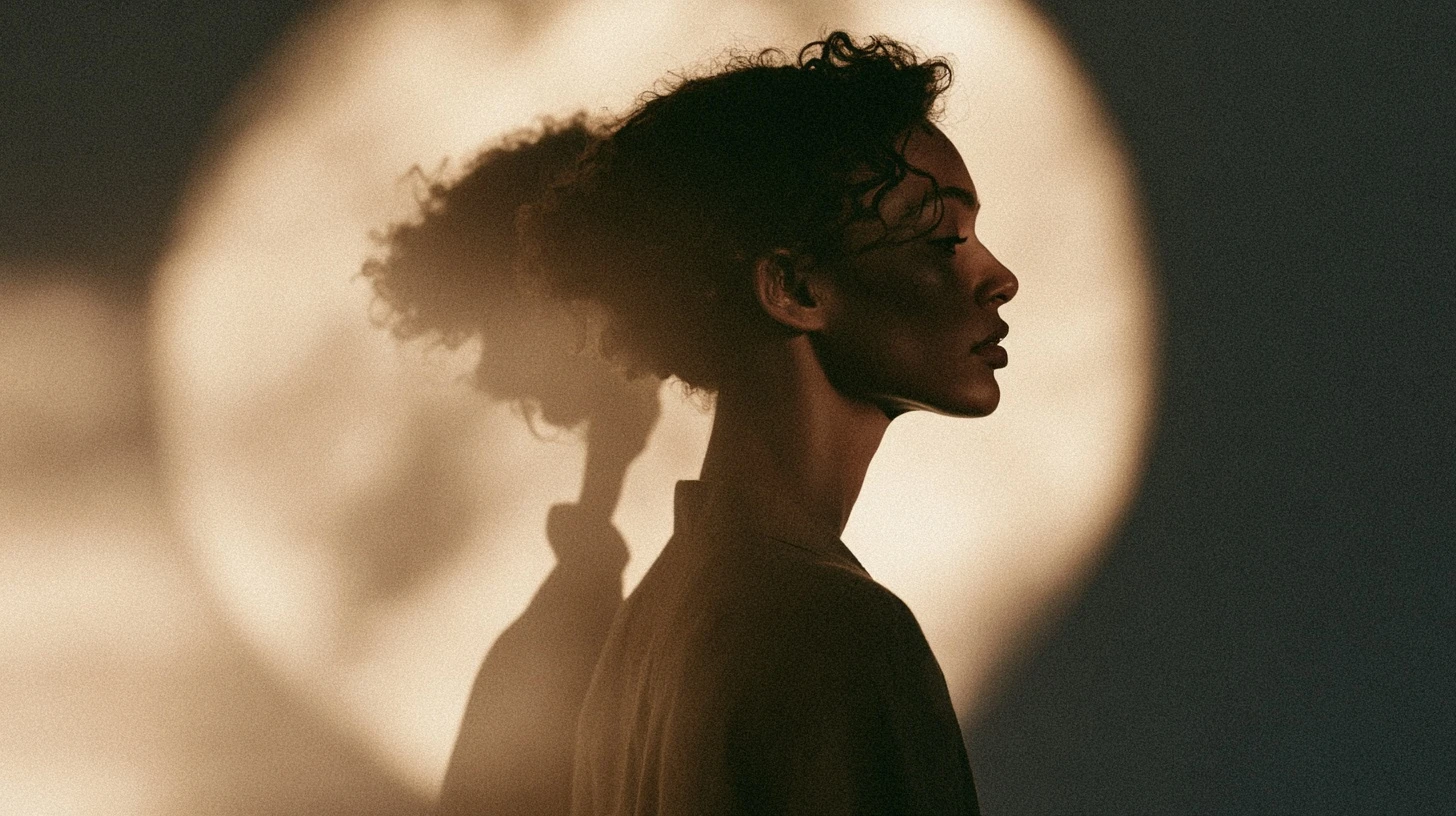
Silhouette
Backlit figure against a bright background — a window, a sunset. Pure shape, which is the only thing that reliably survives downscaling. Also gives you presence without showing your face.
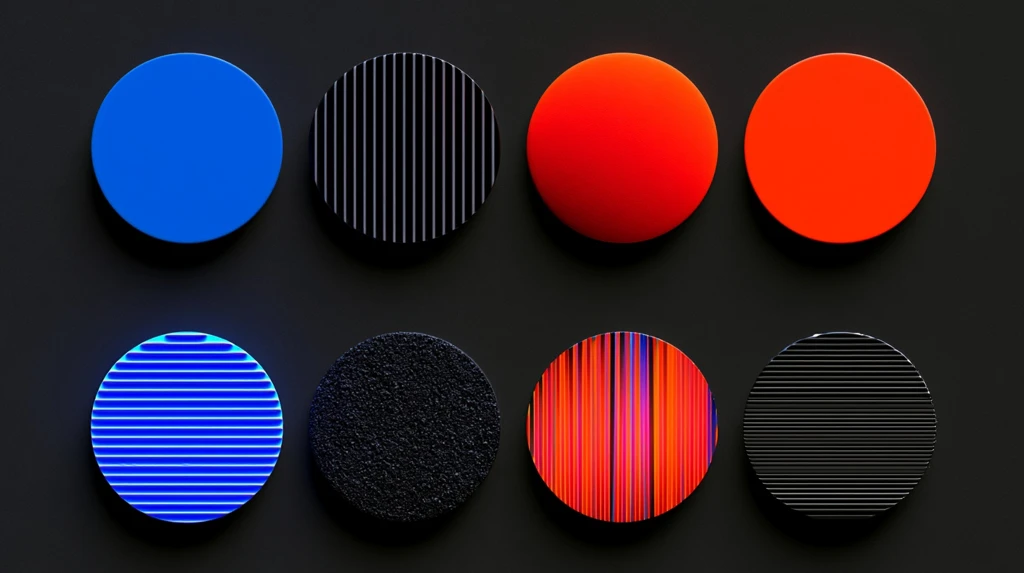
Single bold colour
A plain saturated background with one simple element. In a chat list full of muddy photographs, one clean block of colour is the thing that stands out.
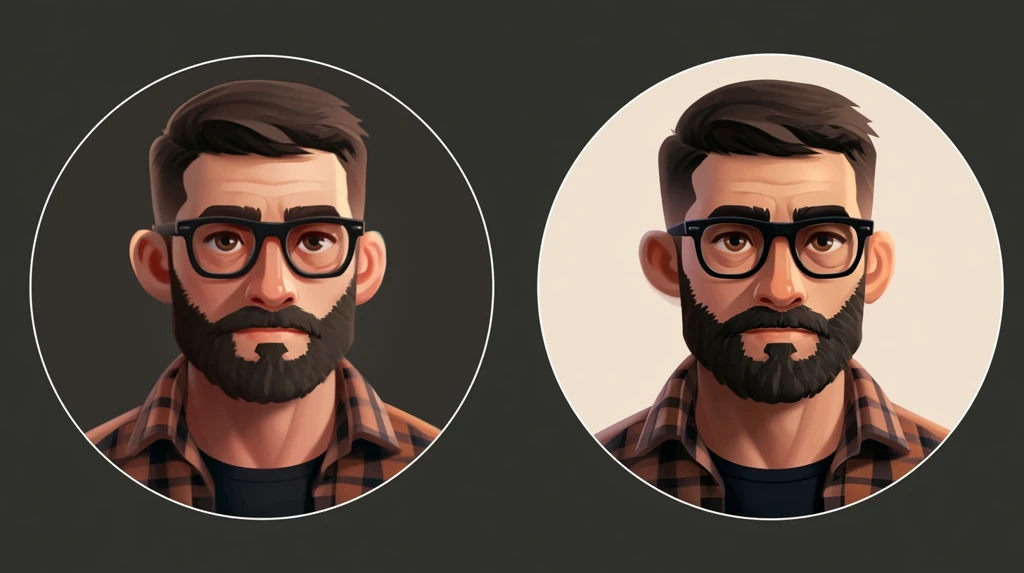
Flat illustration or cartoon
Bold outlines, two or three flat colours. The most compression-resistant option there is. Covered fully in our cartoon DP guide.
Nature close-up
A single flower, leaf, or texture filling the frame. Calm, universally acceptable, and high contrast if you pick well.
Letter or monogram
Your initial as a designed graphic. Reads instantly and is completely anonymous. More on this in our name DP guide.
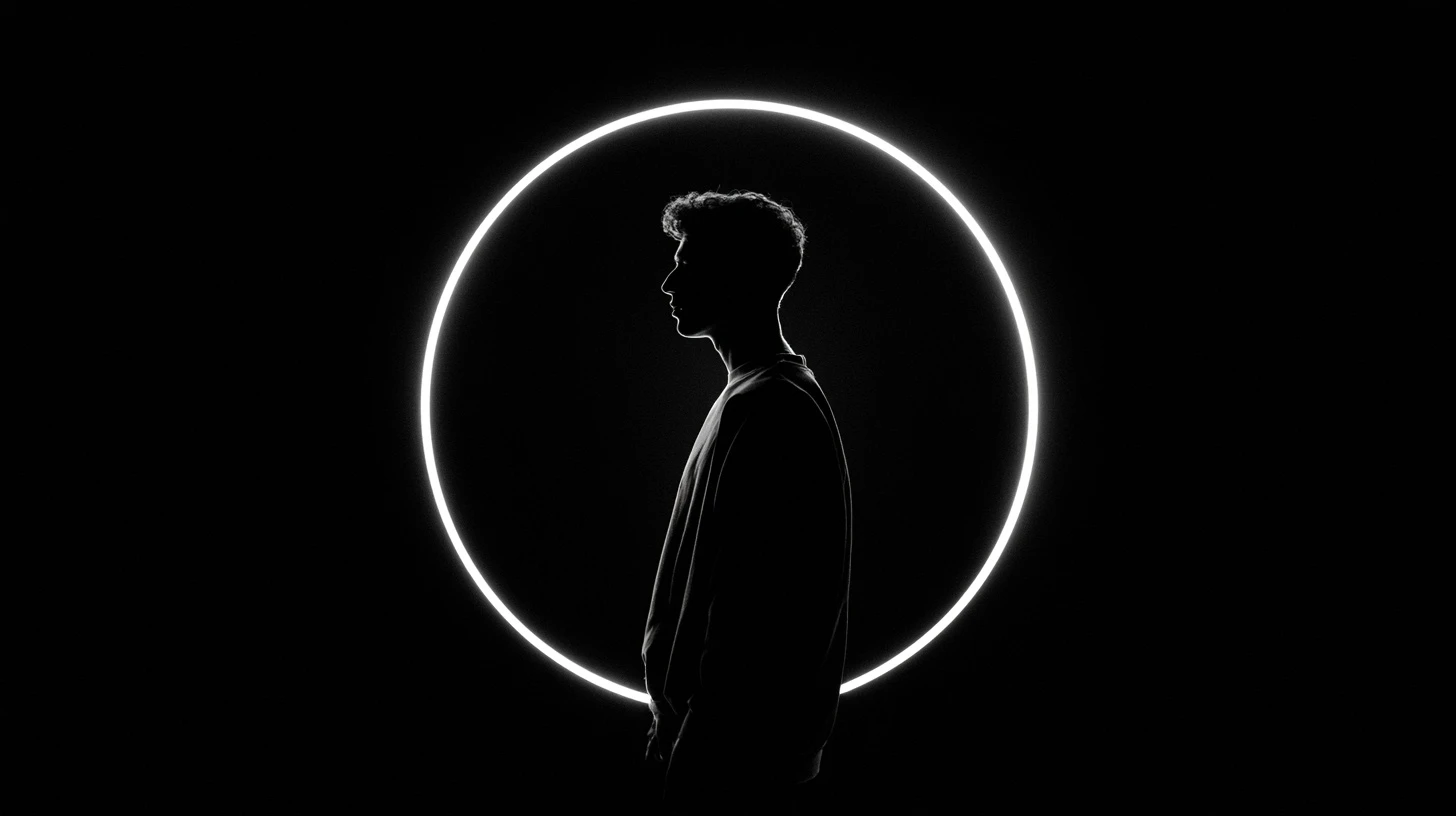
Black with a single accent
Dark frame, one bright element. Striking, but only works with that accent — see black DP for WhatsApp for the technique.
What stopped working
- Quote images. Text is unreadable at 40 pixels. Put the message in your About line, where it’s actually legible.
- Heavy filters. They flatten contrast, and contrast is what carries a small image.
- Group photos. Nobody can tell which one is you.
- Full-body shots. Your face ends up four pixels wide.
- Collages. Four images in one frame means four unrecognisable smudges.
- Screenshots. Already compressed and usually low resolution.
How to change your WhatsApp DP
- Open WhatsApp and go to Settings.
- Tap your name at the top.
- Tap the current photo or the camera icon on it.
- Choose Gallery or Camera.
- Adjust the crop — drag to move, pinch to zoom. The preview shows the exact circle.
- Tap Done.
Your contacts see the change within a minute or two, though their app may cache the old image briefly.
Privacy: who can actually see your DP
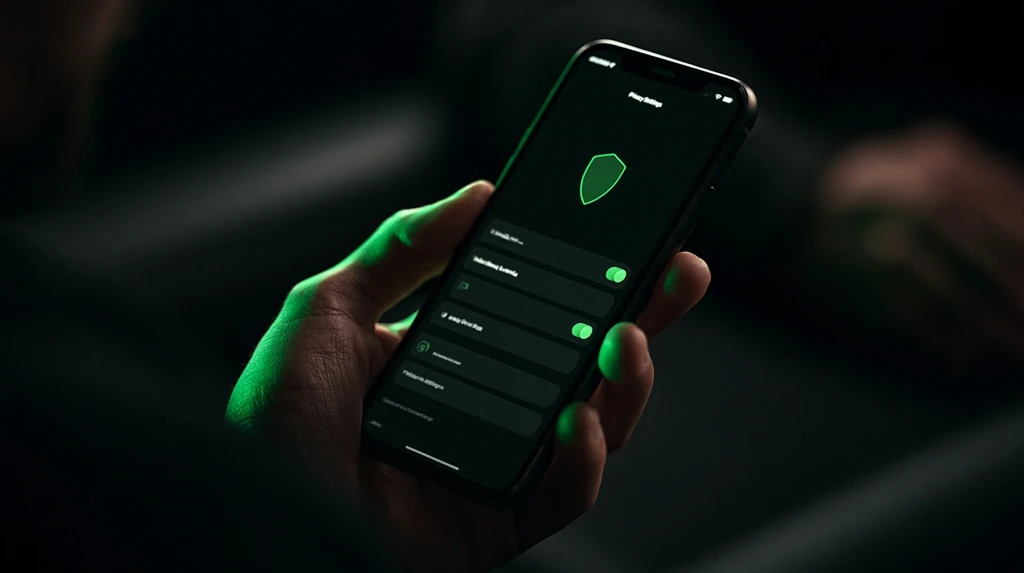
This is the setting worth changing today, and most people never have.
Go to Settings → Privacy → Profile photo:
| Option | Who sees it |
|---|---|
| Everyone | Anyone who has your number — including strangers and spam operations |
| My contacts | Only people saved in your phone |
| My contacts except… | Contacts minus a chosen list |
| Nobody | No one |
The default is “Everyone.” That means any unknown number holding yours can view and save your photo. Profile pictures scraped this way are routinely reused in fake and scam accounts.
Switching to “My contacts” removes essentially all of that exposure and costs you nothing — the people you actually message can still see it.
Why your DP looks blurry
Four causes, most common first:
- The image came from a WhatsApp chat. Anything received through WhatsApp is already compressed; using it as a DP compresses it again. Always use the original file.
- The source was too small. Below 640 pixels, WhatsApp upscales, and upscaling can’t add detail.
- It’s a screenshot. Lossy and low-resolution by nature.
- Repeated saves. Every JPG save loses quality. Work from the original.
The circle crop
WhatsApp crops to a circle, removing about 21% of a square image — all from the corners.
- Centre your subject.
- Leave roughly 10% margin inside the circle.
- Keep the corners free of anything meaningful.
- Use the crop preview before confirming.
Choosing colours that survive
At 40 pixels, colour carries more information than shape.
Works: black with one bright accent; white with a saturated colour; complementary pairs like orange and blue; any single bold colour.
Fails: pastel on white; grey on grey; dark on dark; more than three colours competing.
Seasonal and occasion DPs
Festival and birthday DPs are popular, and the same rule applies — one clear element, not a busy scene. A single diya, one string of lights, one balloon shape. Elaborate festival graphics with text and multiple elements become noise at display size.
If you change your DP for an occasion, set a reminder to change it back. A months-old festival DP is the most common form of digital cobweb.
What your DP actually communicates
A profile picture is a small piece of information that gets seen a lot. In a chat list of forty conversations, yours is one of forty circles, and people identify you by it faster than by your name — shape and colour register before text does.
That has a practical implication most people miss: consistency has value. Changing your DP weekly means contacts lose the visual shortcut and have to read your name each time. A DP you keep for a year becomes genuinely useful to the people who message you.
It also means distinctiveness beats attractiveness. A striking but generic image — a sunset, a flower, a dark aesthetic photo — looks good and identifies you poorly, because a hundred other people have something similar. A slightly odd choice that’s uniquely yours does the job better.
DP ideas by what you want it to do
| Goal | What works |
|---|---|
| Be recognisable to contacts | Close-crop portrait, kept for a long time |
| Stay anonymous | Letter DP, illustration, silhouette, object |
| Look professional | Plain background, neutral clothing, soft window light |
| Stand out in a chat list | One bold saturated colour |
| Express a mood | Dark palette with one accent, or a single object |
| Never think about it again | Designed letter or monogram |
Being clear about which of these you want removes most of the difficulty. Most people struggle to pick a DP because they’re unconsciously trying to satisfy several of these at once.
The professional DP
If your WhatsApp is used for work — increasingly common — the criteria shift slightly.
- Face visible and well lit. Anonymity works socially but reads as evasive professionally.
- Plain background. A wall, not your living room.
- Neutral clothing. Solid colours, no busy patterns — patterns turn to noise when downscaled.
- Neutral-to-warm expression. A slight smile reads better than either a grin or a blank stare.
- Head and shoulders only. Same crop rule as everything else.
- Keep it current. A photo from a decade ago creates an awkward moment when you meet someone.
You don’t need a photographer. A window, a plain wall, the rear camera and a timer produce something perfectly good.
DP mistakes that are easy to fix
Using an image received in a chat. The single most common cause of blurry DPs. Anything that arrived through WhatsApp has already been compressed; setting it as your DP compresses it a second time. Always go back to the original file.
Letting the app do the cropping. Crop to a square yourself before uploading. The in-app crop is coarse and you’ll often lose more than you meant to.
Choosing at full screen. You’re looking at a 500-pixel image; everyone else sees 40. Shrink it and check before committing.
Leaving a seasonal DP up. A festival or birthday DP three months later reads as neglect. Set a reminder when you change it.
Never touching the privacy setting. The default shows your photo to every number that has yours. Ten seconds in Settings fixes it permanently.
Matching your DP and About line
Your About line sits directly beneath your name in your profile, and it’s the only place text is actually readable — a quote inside an image is unreadable at 40 pixels, while the same words in your About are perfectly legible.
This makes the pairing useful. A clean, simple DP that carries no information plus a short About line that carries all of it outperforms a cluttered image trying to do both jobs badly.
Keep the About short. It truncates, and the visible portion is roughly the first thirty characters.
Choosing colours that survive compression
At 40 pixels, colour does more work than shape, and some combinations hold up far better than others.
Holds up: black with one bright accent; white with a saturated colour; complementary pairs like orange and blue; any single bold colour on a neutral background.
Collapses: pastel on white; grey on grey; dark on dark; more than three colours competing for attention; red on green or blue on purple, where the colours differ but the brightness doesn’t.
The underlying rule is about value — brightness — not hue. Two colours can be completely different and still blur into one tone if they’re equally bright. Squint at your image: if it becomes an even field with no light and dark areas, it will vanish at DP size.
How often to change it
There’s no technical limit, but there is a practical trade-off.
Changing often keeps things fresh for you and costs recognisability for everyone else. Keeping one for a long time makes you instantly identifiable in a crowded list. Most people land somewhere sensible without thinking about it — a few times a year, or when something meaningfully changes.
The one case worth being deliberate about is a seasonal or occasion DP. Set it, enjoy it, and set a reminder to change it back.
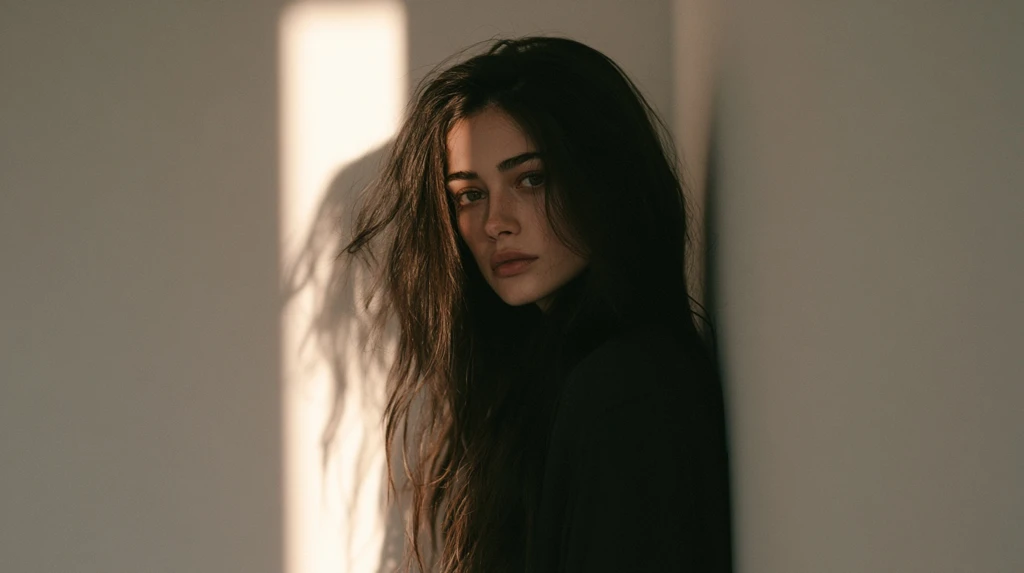
Taking a good DP with just a phone
You don’t need a camera, a photographer or an app. Six things account for nearly all the difference between a DP that looks good and one that doesn’t.
Find a window. Face it — don’t stand with your back to it. An overcast day gives the softest, most flattering light there is, and it’s free. Direct sunlight creates hard shadows across the face; indoor bulbs cast orange or green tints that are difficult to correct.
Use the rear camera. On almost every phone the rear camera is substantially better than the front one — more resolution, better optics, less noise. Prop the phone up, use the timer, or ask someone. The two seconds of inconvenience are worth more than any filter.
Stand away from the wall. A metre or so of separation between you and the background prevents shadows falling directly behind your head, which is what makes casual photos look flat.
Get closer. Head and shoulders. Whatever distance feels right, halve it. The most common mistake in phone portraits is standing too far back.
Take a lot. Twenty or thirty. Small changes in head angle and expression matter far more than people expect, and you can’t judge them while shooting.
Crop square yourself. Do it before uploading, in your phone’s photo editor. Leaving the crop to the app gives you less control and usually a worse result.
Editing: do less
Heavy editing actively hurts at DP size, which is counterintuitive because it helps at full size.
Worth doing: a small contrast increase; slight sharpening; straightening a tilted horizon; cropping tighter.
Worth avoiding: smoothing and beauty filters, which remove the edge definition that carries a small image; heavy colour grading, which flattens contrast; anything that lowers the difference between light and dark areas.
The irony is real: filters designed to make a photo look better on a phone screen make it look worse in the chat list where it’s actually seen. If you only make one adjustment, make it a contrast increase.
Seasonal and festival DPs
Festival DPs are among the most-changed profile pictures of the year, and the same rules apply — one clear element, not a busy scene.
What works: a single diya, one string of lights against dark, one balloon shape, a single colour associated with the occasion. What doesn’t: elaborate graphics with text, multiple elements, and downloaded greeting-card images that arrive pre-compressed through WhatsApp.
If you make your own, the same technical rules apply — 1024 × 1024 square, PNG for graphics, one high-contrast focal element.
And set a reminder to change it back. A Diwali DP still up in March is the most common form of digital cobweb there is.
Related guides
- S name DP — letter and monogram profile pictures.
- Black DP for WhatsApp
- Girls DP images
- Broken and sad DP
- WhatsApp DP attitude
Frequently asked questions
What is the best size for a WhatsApp DP?
1024 × 1024 pixels, square. WhatsApp compresses heavily, so a large clean source is the only way to get a sharp result.
How do I stop my WhatsApp DP from becoming blurry?
Use the original image file rather than one received in a chat, upload at 1024 × 1024, and avoid screenshots.
Who can see my WhatsApp profile photo?
Everyone by default. Change it under Settings → Privacy → Profile photo. “My contacts” is the sensible setting for most people.
Does WhatsApp notify contacts when I change my DP?
No. There is no notification for a profile photo change.
Can I have different DPs for different contacts?
No. WhatsApp has one profile photo. You can only control who sees it, not show different images to different people.
How often can I change my WhatsApp DP?
As often as you like. There’s no meaningful limit.





Leave a Reply