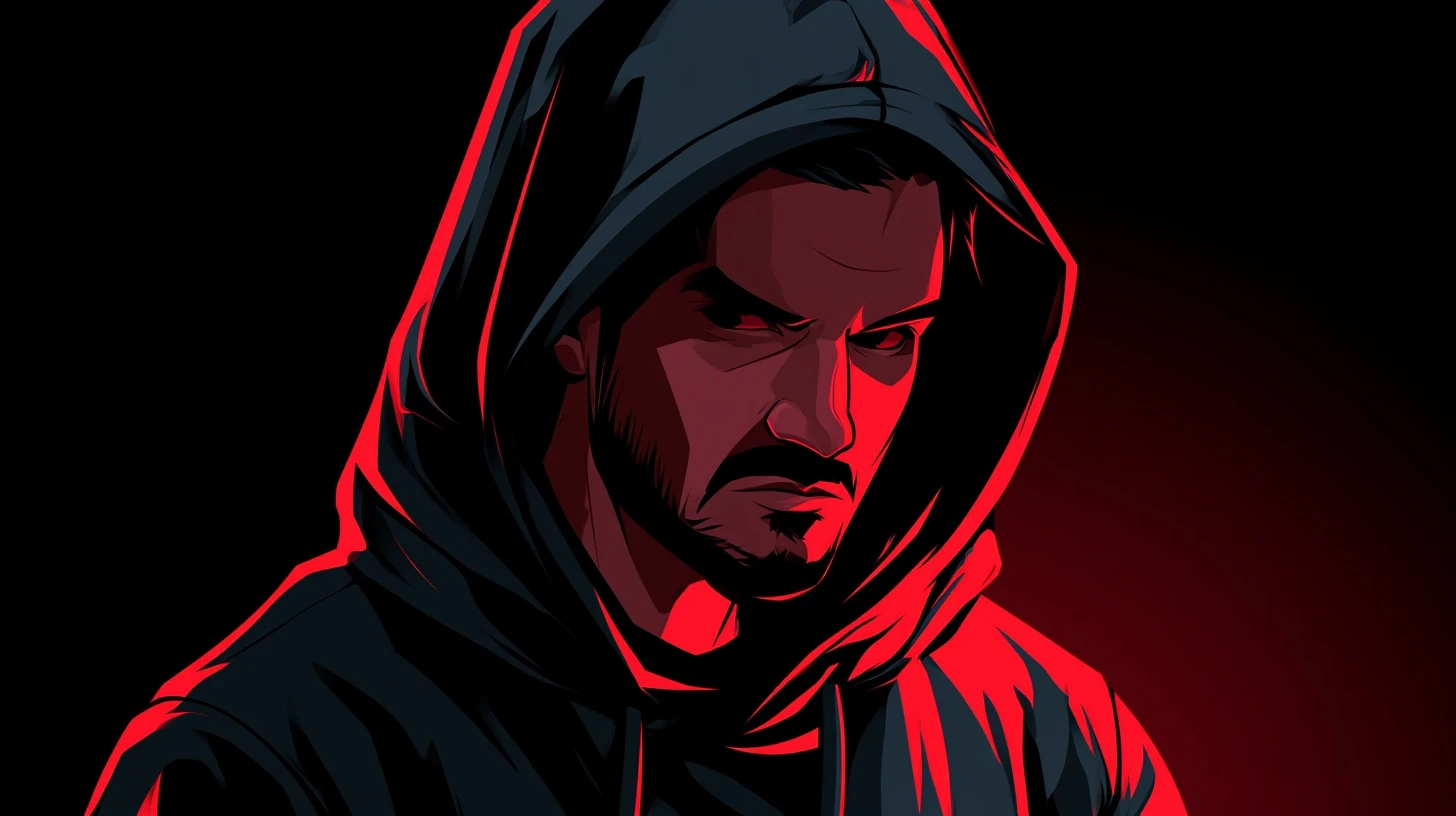
Cartoon DPs sit in a strange sweet spot. They carry attitude without the exposure of a real photo, they read clearly at the tiny sizes WhatsApp and Instagram actually display, and they don’t age the way a selfie does. That combination is why the cartoon attitude DP has stayed popular long after most profile picture trends burned out.
This guide covers the styles that work, how to pick one that suits you, how to make your own, and the technical details — sizes, crops, formats — that decide whether your DP looks sharp or blurry.
Why cartoon DPs work better than photos
Three practical reasons, and they’re all about how small a DP actually is.
They survive downscaling. WhatsApp shows your DP at roughly 40–60 pixels in a chat list. Photographs lose everything at that size — skin tones flatten, faces blur, backgrounds turn to noise. Cartoon art is built from flat colour and bold outlines, which is exactly what survives.
They’re high contrast by default. Illustration uses stronger colour separation than photography. At 40 pixels, contrast is the only thing carrying the image.
They give you distance. A cartoon says something about you without publishing your face to every group chat you’re in. For a lot of people that’s the whole point.
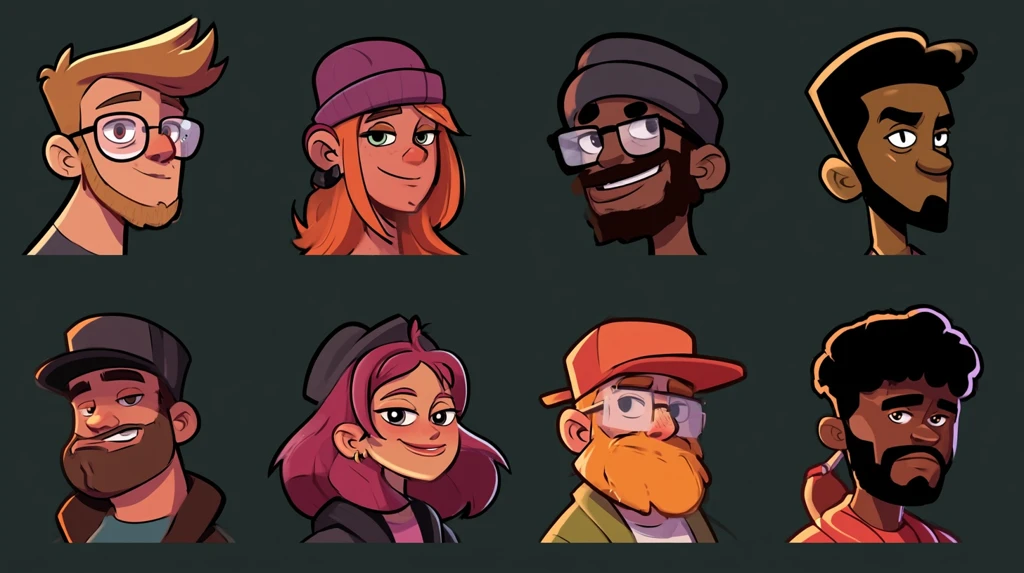
Cartoon DP styles
Attitude boy cartoon
The dominant style: a stylised male character, usually in a hoodie or jacket, arms crossed or hands in pockets, often with sunglasses or a cap. Colour palettes lean dark — black, deep red, navy — with one bright accent. The silhouette does the work, which is why it reads well small.
Cute attitude girl cartoon
Softer linework and a lighter palette, but the same confident posture. Pinks, lilacs and pastels with a strong outline. The contrast between cute rendering and confident pose is the whole appeal.
Anime-style cartoon
Large eyes, simplified features, expressive hair. Chibi and super-deformed proportions work particularly well as DPs because the head fills the frame — exactly what you want when the display is a small circle.
Minimal flat vector
Two or three flat colours, no shading, heavy outline. The most reliable style at small sizes and the easiest to make yourself.
Dark aesthetic cartoon
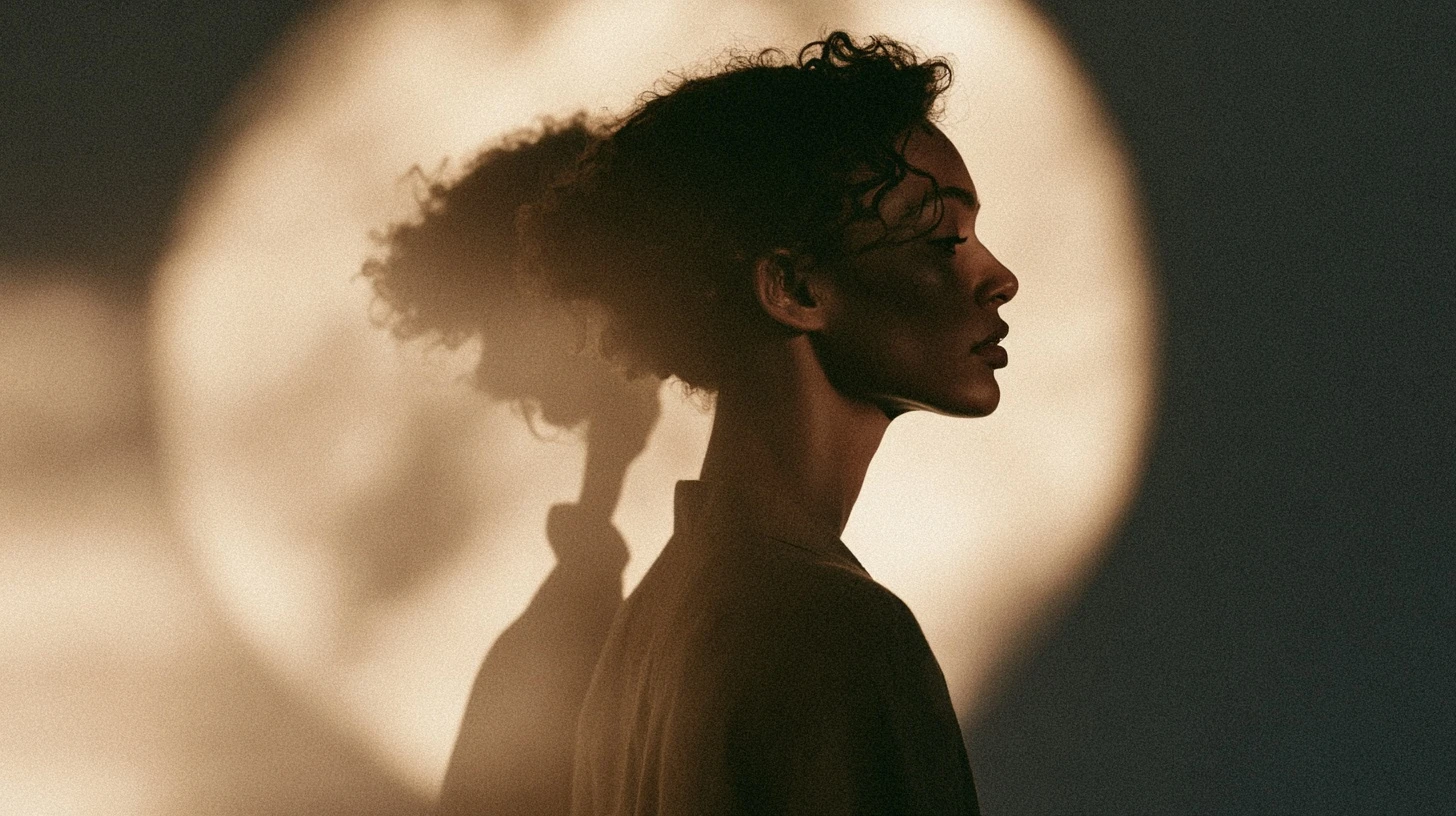
Silhouettes, shadow, a single light source. Effective, but risky — if it’s too dark it becomes an indistinct blob at 40 pixels. Needs one clear bright element to anchor it.
Neon and cyber cartoon
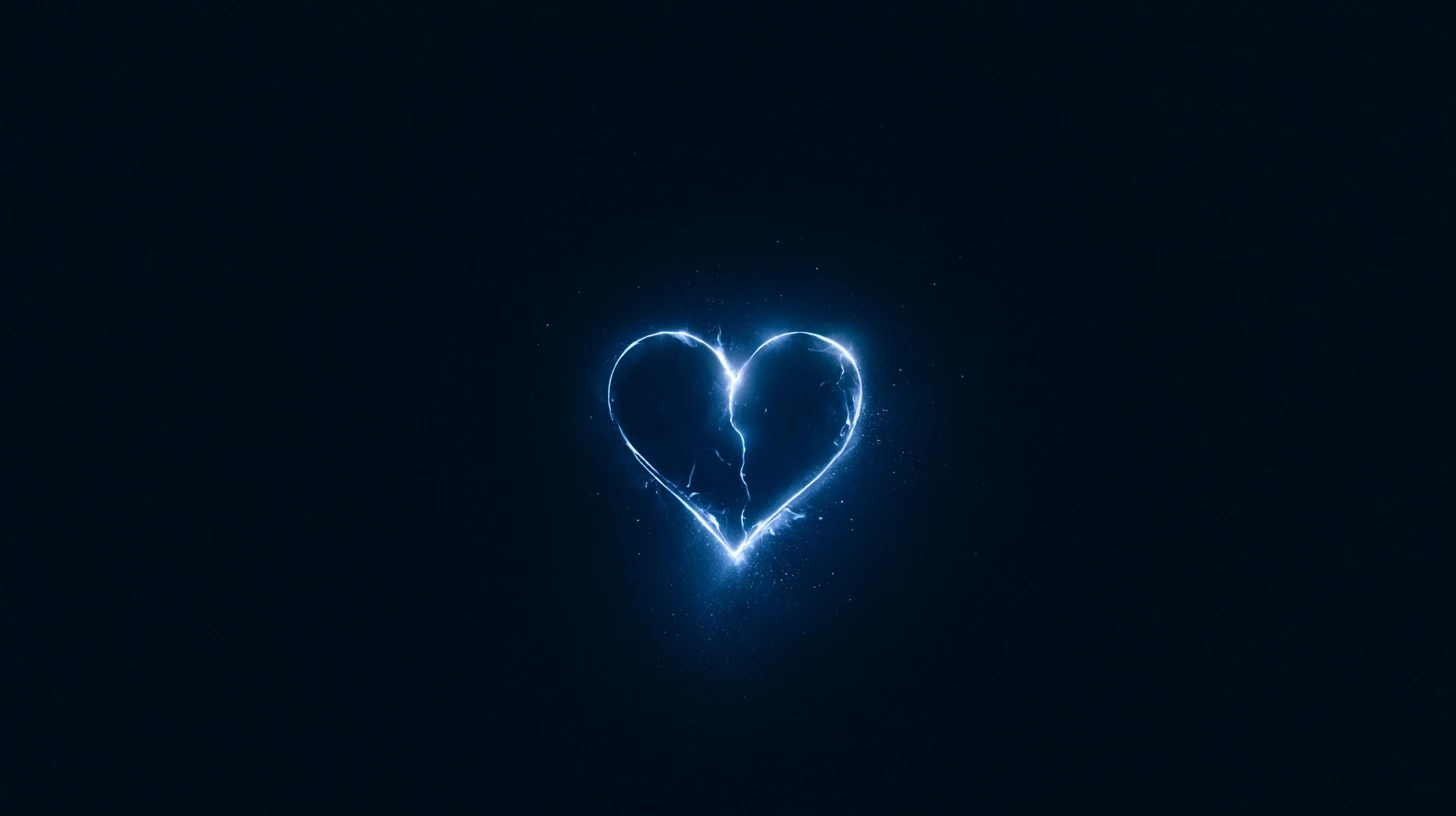
Black background, saturated neon edges. Extremely high contrast, so it scales well, and the glow reads even when detail is gone.
Picking a DP that suits you
The mistake most people make is choosing at full size. You’re looking at a 500-pixel image on a bright screen; everyone else sees a 40-pixel circle in a crowded chat list.
Three questions before you set it:
- Does it read at 40 pixels? Shrink it and look. If you can’t tell what it is, nobody can.
- Is there one clear focal point? Two or more competing elements turn to mush.
- Does the corner matter? Circular crops remove about 21% of a square image. Anything in the corners is gone.
Making your own cartoon DP
From a photo
Plenty of apps convert a selfie to cartoon or sketch style. Results vary, and the ones that work best share a pattern: a well-lit, front-facing photo with a plain background. Busy backgrounds confuse every one of these tools.
After conversion, do two things manually: crop tighter than the app suggests, and raise the contrast. Both improve small-size legibility more than any filter.
From scratch
You don’t need drawing skill for the flat-vector style. A circle, two shapes for hair, and two dots for eyes — done in bold colours with a heavy outline — outperforms a detailed illustration at DP size. Free tools like Canva, Figma or Krita all handle this.
With AI image tools
AI generators produce cartoon avatars quickly. Two cautions: specify a square composition and a close crop in the prompt, or you’ll get a full-body figure that vanishes at DP size. And avoid prompts asking for a specific real person’s likeness — that’s both an ethical problem and, in many places, a legal one.
DP size and format
| Platform | Recommended upload | Display shape |
|---|---|---|
| 640 × 640 | Circle | |
| 320 × 320 minimum, 1080 × 1080 ideal | Circle | |
| 720 × 720 | Circle | |
| Discord | 1024 × 1024 | Circle |
| Telegram | 512 × 512 | Circle |
| X / Twitter | 400 × 400 | Circle |
Upload a 1024×1024 square PNG and it works everywhere. Every platform downscales from your upload; none of them upscale well, so bigger is safer.
The circle crop
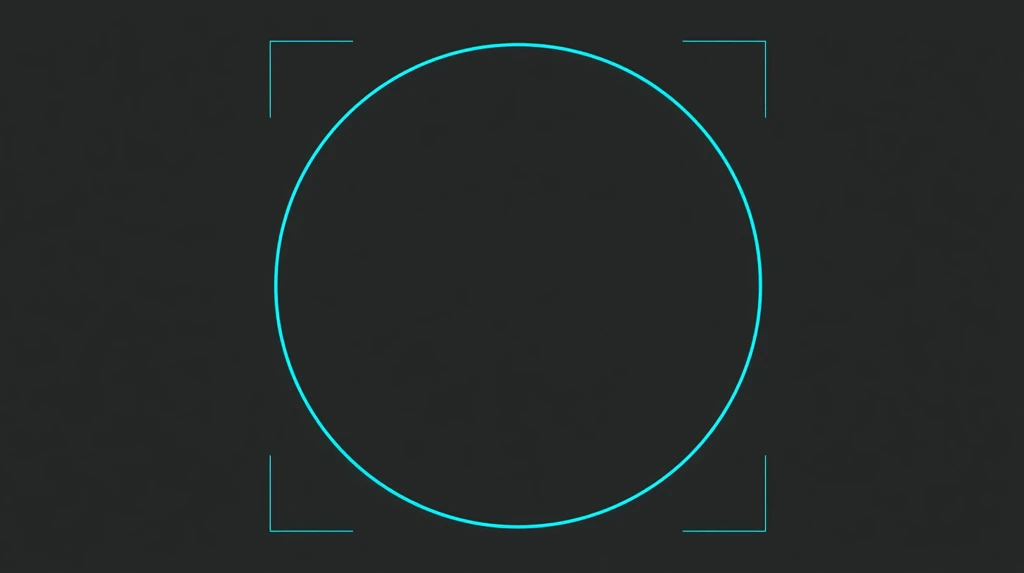
Every major platform crops DPs to a circle. A square image loses its four corners — roughly a fifth of the total area.
Practical rules:
- Centre the face or subject.
- Leave about 10% margin inside the circle so nothing touches the edge.
- Never place text, logos or signatures in the corners.
- Check the crop preview before confirming — most apps show it.
Why your DP looks blurry
Almost always one of four causes:
- The source was too small. A 200px image stretched to fill a 640px DP will look soft no matter what.
- It was saved as a low-quality JPG. Repeated JPG saves compound compression artefacts. Use PNG.
- It came from a screenshot of a screenshot. Each round trip loses quality.
- It was downloaded from a chat. Messaging apps compress images heavily. An image sent to you on WhatsApp is already degraded — using it as a DP compresses it a second time.
Always work from the original file, save as PNG, and upload at 1024×1024.
Choosing colours that survive
At 40 pixels, colour does more work than shape. Some palettes hold up and some collapse.
Holds up: black and one bright accent; white and a saturated colour; complementary pairs like orange and blue; neon on dark.
Collapses: pastels on white; greys on grey; dark on dark; more than three colours competing for attention.
If you love a low-contrast design, keep it — but add a strong outline or a bright background so there’s at least one hard edge to anchor the eye.
Building a cartoon DP that reads at 40 pixels
Everything above is about choosing. This section is about the craft — the specific decisions that separate a cartoon DP that works from one that turns to mush.
Silhouette first
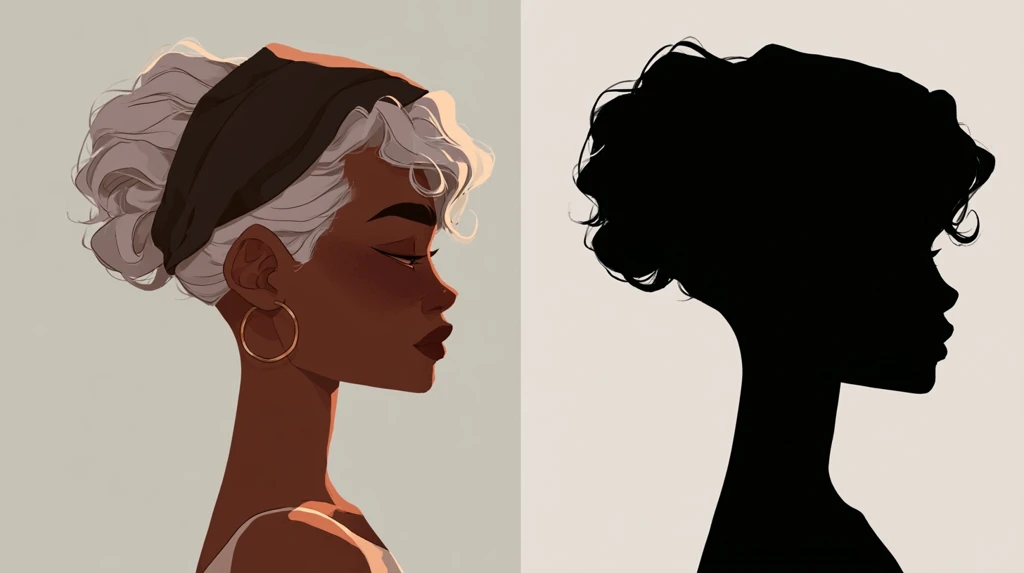
Before colour, before detail, ask whether the outline alone is recognisable. Fill your design entirely with black and look at the resulting shape. If you can still tell it’s a person in a hoodie, or a character with distinctive hair, the silhouette is doing its job. If it’s an amorphous blob, no amount of interior detail will rescue it at small size.
This is why hoodies, caps, distinctive hairstyles and strong shoulder lines recur throughout the attitude cartoon genre. They create outline shapes that survive when everything inside them is gone.
Two-value rule
Squint at your design, or blur it heavily. You should see two clearly distinct brightness levels — a light area and a dark area — not an even grey field. If everything blurs into one tone, there isn’t enough value separation, and the image will disappear at DP size regardless of how colourful it is.
This is a different thing from colour contrast. Bright red and bright green are very different colours but almost identical in brightness, so they blur into one tone. Value separation is what matters.
Outline weight
Cartoon DPs live or die on line weight. A 2-pixel outline on a 1024px canvas becomes invisible when the image is displayed at 40px — it’s scaled to less than a tenth of a pixel.
The working rule: your outline should be at least 1.5% of the canvas width. On a 1024px canvas that means 15 pixels or more, which looks absurdly heavy on screen and exactly right once scaled down.
Three colours maximum
Every additional colour divides the viewer’s attention across fewer available pixels. The strongest cartoon DPs use a dark base, a light base, and one accent. Adding a fourth and fifth colour makes the image busier at full size and muddier at small size — a loss on both counts.
Crop tighter than feels right
Whatever composition you have, crop in further. Almost every cartoon DP improves from this. A head-and-shoulders crop beats a torso crop; a face crop often beats head-and-shoulders. The circle is small, and anything not carrying meaning is wasting it.
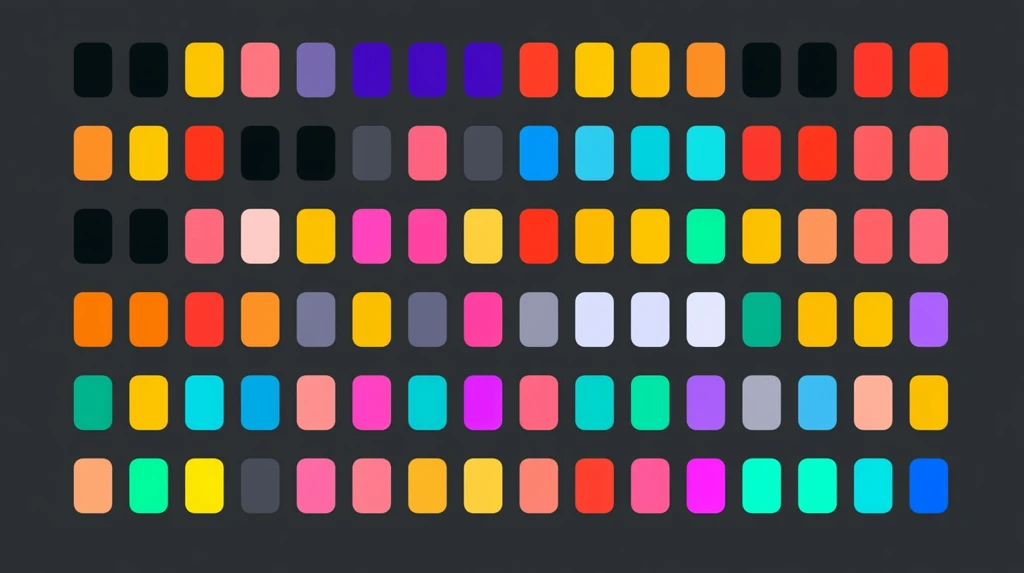
Cartoon DP colour palettes that work
| Palette | Base | Accent | Feel |
|---|---|---|---|
| Classic attitude | Black + charcoal | Crimson | Aggressive, confident |
| Neon night | Near-black | Cyan or magenta | Modern, cyber |
| Soft attitude | Cream + dusty rose | Deep plum | Cute but confident |
| Street | Concrete grey | Safety orange | Urban, grounded |
| Royal | Deep navy | Gold | Premium, composed |
| Monochrome | White + black | None | Maximum legibility |
| Sunset | Deep purple | Warm orange | Warm, approachable |
| Toxic | Black | Acid green | Loud, gaming-coded |
Every row follows the same structure: a dark or light base, and one accent that carries the eye. That structure, not the specific hues, is what makes them work.
Where cartoon DPs go wrong
Five failure modes, in rough order of how often they appear:
Too much detail. A beautifully rendered illustration with shading, texture and background elements. At full size it’s impressive; at 40 pixels it’s grey noise. Detail is not a virtue at this size — it’s a cost.
Full-body composition. The character’s whole body in frame means the face is a few pixels across. If the face is the point, crop to it.
Low value contrast. Pastel on pastel, or dark on dark. Looks sophisticated on a large screen, invisible in a chat list.
Text in the image. A name, a slogan, a username. Never readable at DP size, always a waste of the space it occupies.
Ignoring the circle. Composing for a square and letting the platform crop. The corners hold 21% of the image and they will be removed — plan for it rather than discovering it.
Cartoon DP for different platforms
The same image doesn’t perform identically everywhere, because display sizes and compression differ.
WhatsApp compresses hardest and displays smallest. This is the most demanding case — build for WhatsApp and it works everywhere else.
Instagram displays slightly larger and compresses less, so a little more detail survives. Still a circle, still small in the feed.
Discord shows avatars at 32–40 pixels in chat but has a proper full-size viewer, so detail you add is at least visible somewhere. Full specs in our Discord PFP size guide.
Telegram sits between the two and handles PNG well.
The practical implication: design once for the hardest case — WhatsApp at 40 pixels — and you never need a per-platform version.
Related guides
- Very attitude DP — bold profile pictures for boys and girls.
- WhatsApp DP attitude — the attitude DP collection.
- Killer attitude DP girl black — dark and bold styles.
- Anime DP for girls
- New WhatsApp DP ideas
Frequently asked questions
What is an attitude cartoon DP?
A stylised cartoon character used as a profile picture, posed to convey confidence — crossed arms, sunglasses, a strong stance — usually in a dark palette with one bright accent colour.
What size should a cartoon DP be?
1024 × 1024 pixels, square, saved as PNG. That works on every major platform, all of which downscale from your upload.
Why does my cartoon DP look blurry on WhatsApp?
The source image was too small, or it was already compressed by being sent through a chat. Use the original file at 1024×1024 and save as PNG.
How do I make a cartoon DP from my photo?
Use a cartoon-conversion app with a well-lit, front-facing photo on a plain background, then crop tighter and raise the contrast manually.
Which cartoon DP style works best at small size?
Flat vector with a heavy outline and two or three bold colours. It has the strongest silhouette, which is what survives when the image is displayed at 40 pixels.
Is it safe to use a cartoon DP instead of a photo?
Yes, and it’s a reasonable privacy choice — a cartoon conveys personality without publishing your face to every group you join.
Leave a Reply