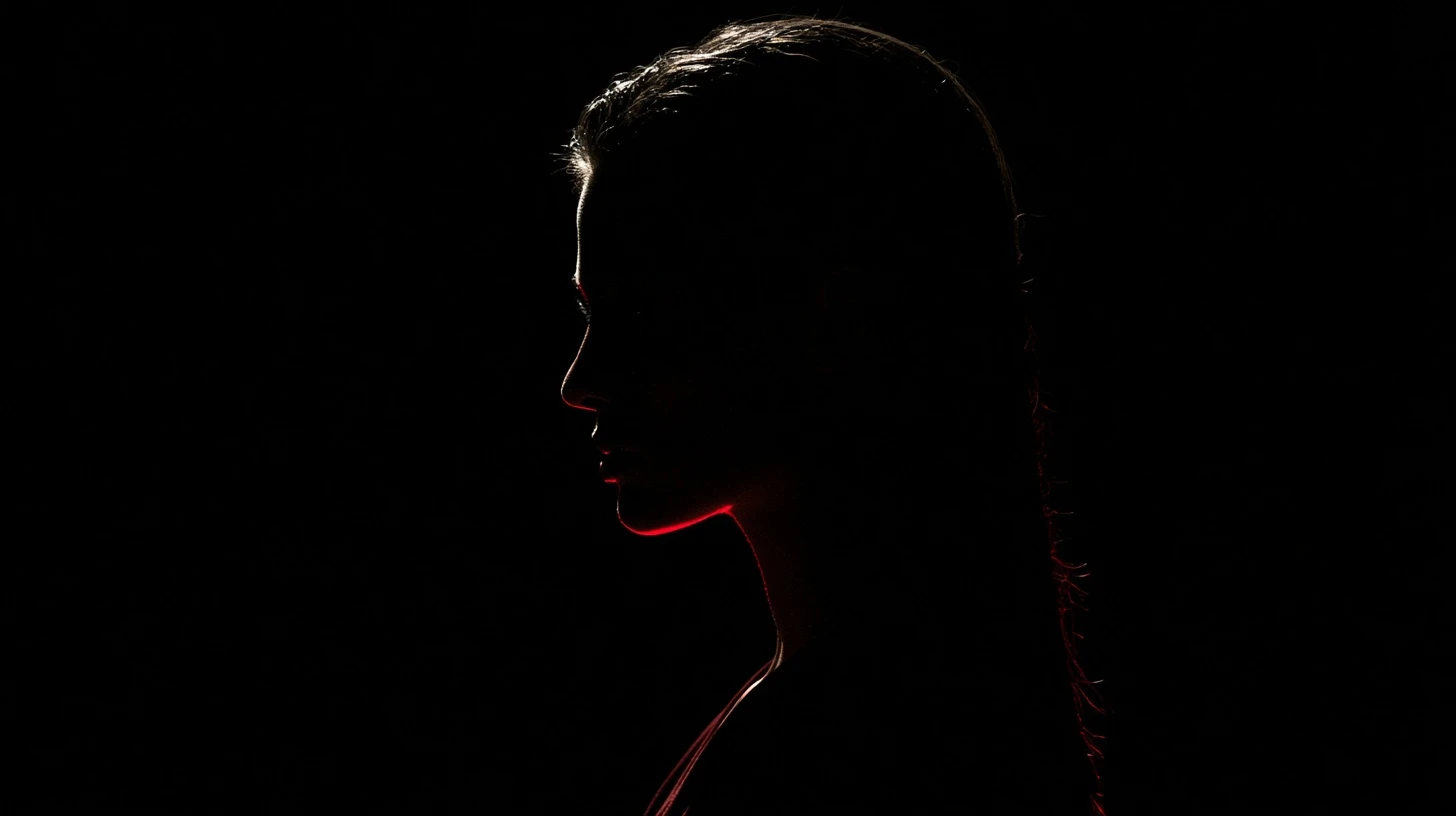
The all-black attitude DP is one of the most requested profile picture styles, and one of the most commonly ruined. Done well it’s striking. Done badly — which is most of the time — it’s an indistinguishable dark circle in a chat list. The difference comes down to one technique, and it isn’t making the image brighter.
The problem with black DPs
Your DP displays at roughly 40 pixels. At that size an image communicates through two things only: overall shape and dominant colour.
An all-black image has neither. The shape is a circle — the same circle as everyone else’s. There’s no dominant colour. The result is a profile picture that carries no information at all, which is the opposite of what a striking DP should do.
This isn’t an argument against black DPs. It’s an argument for building them properly.
The fix: one light source
Every black DP that works has a single bright element creating separation. That’s the whole technique.
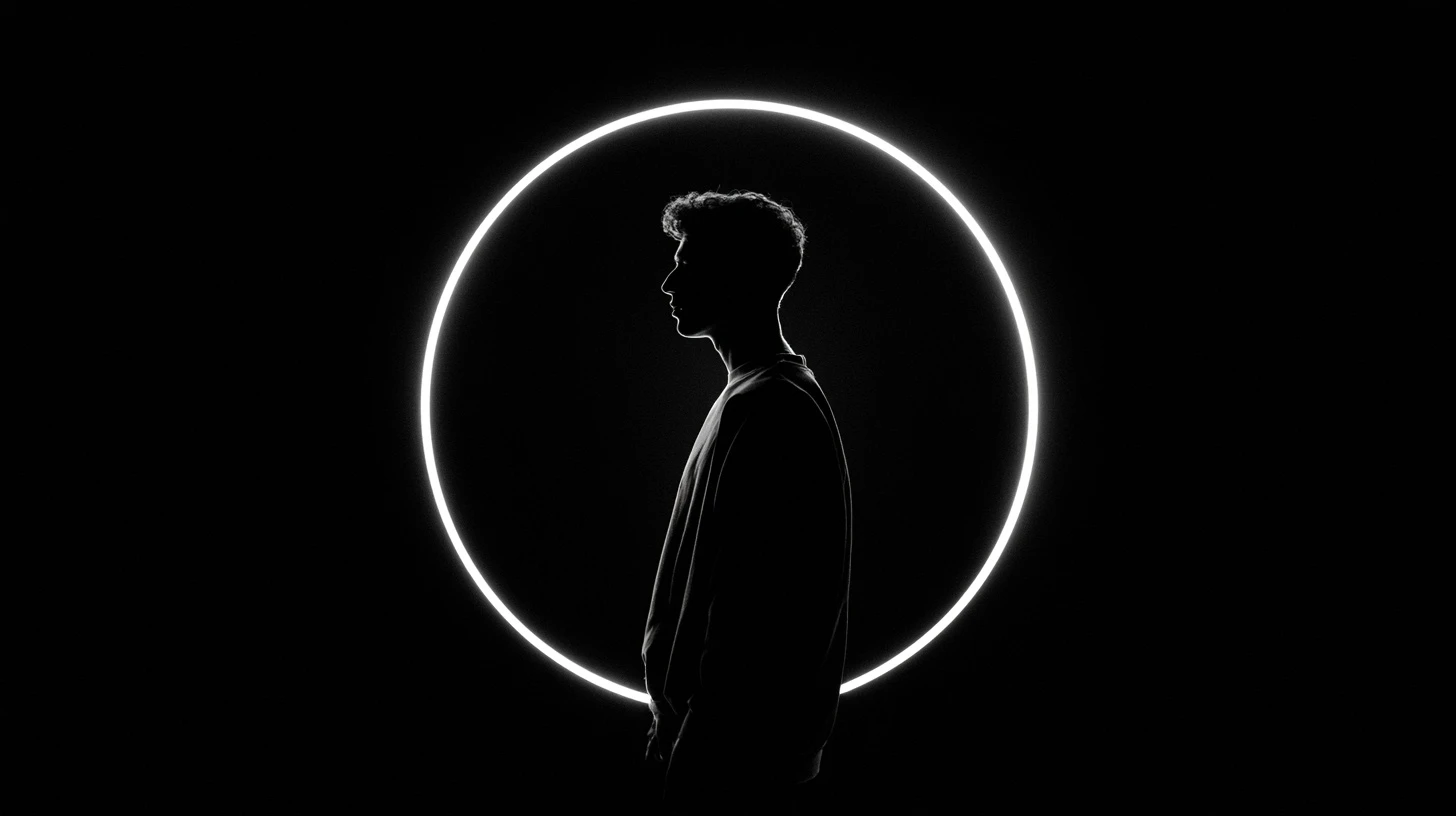
Rim light
A bright edge tracing one side of the subject — hair, shoulder, cheekbone. The subject stays dark; the outline appears. This is the most effective option and the one professional portraits use.
To shoot it: stand with a window or lamp behind you and slightly to one side. Expose for the bright background and let yourself fall dark.
Dark subject, lighter background
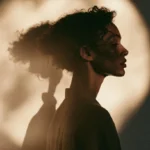
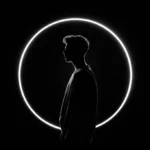
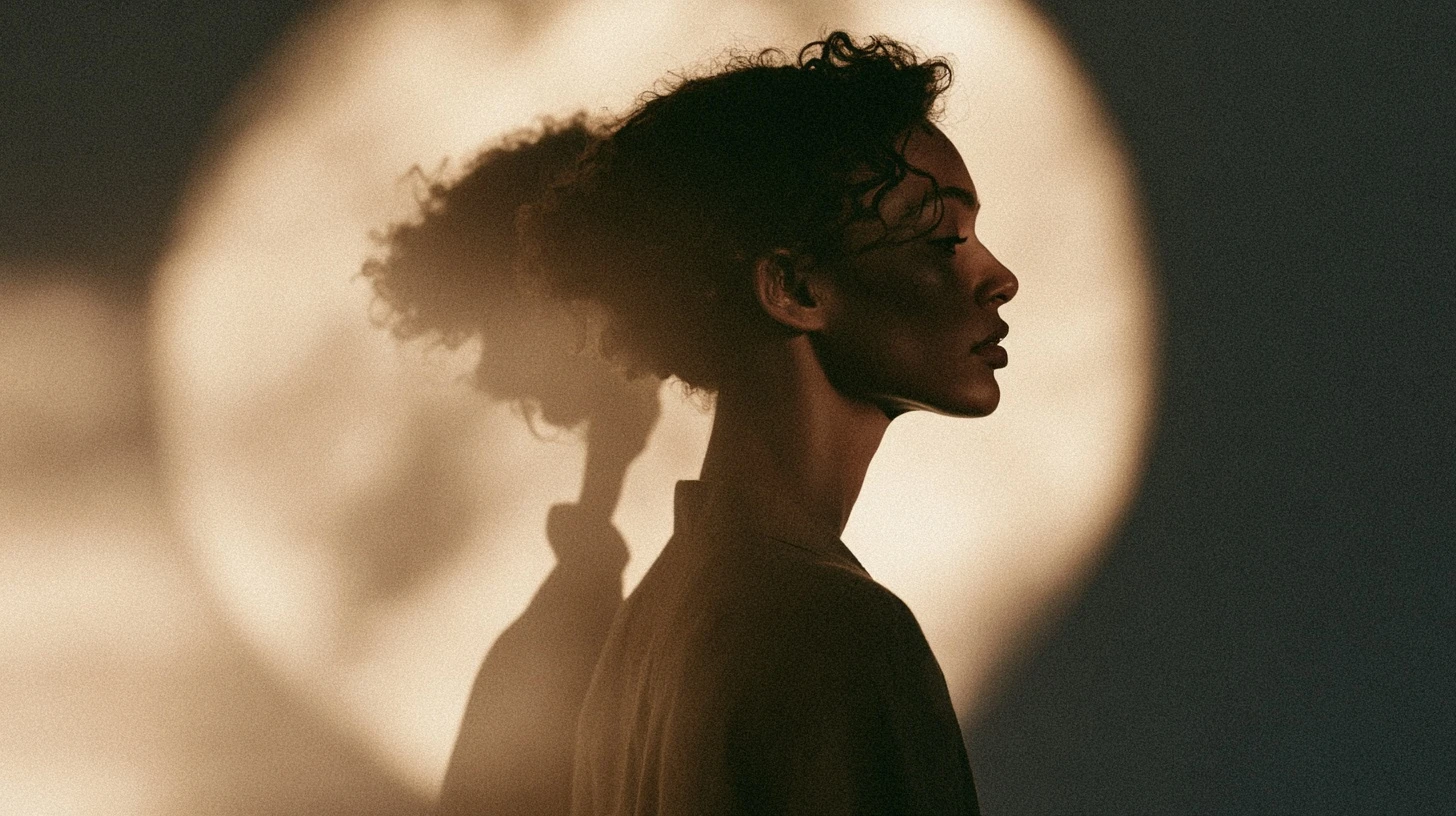
Invert the usual approach. Keep the figure in shadow and let the background carry light — a grey wall, a window, a streetlight. You get a silhouette, which reads perfectly at any size.
Single colour accent
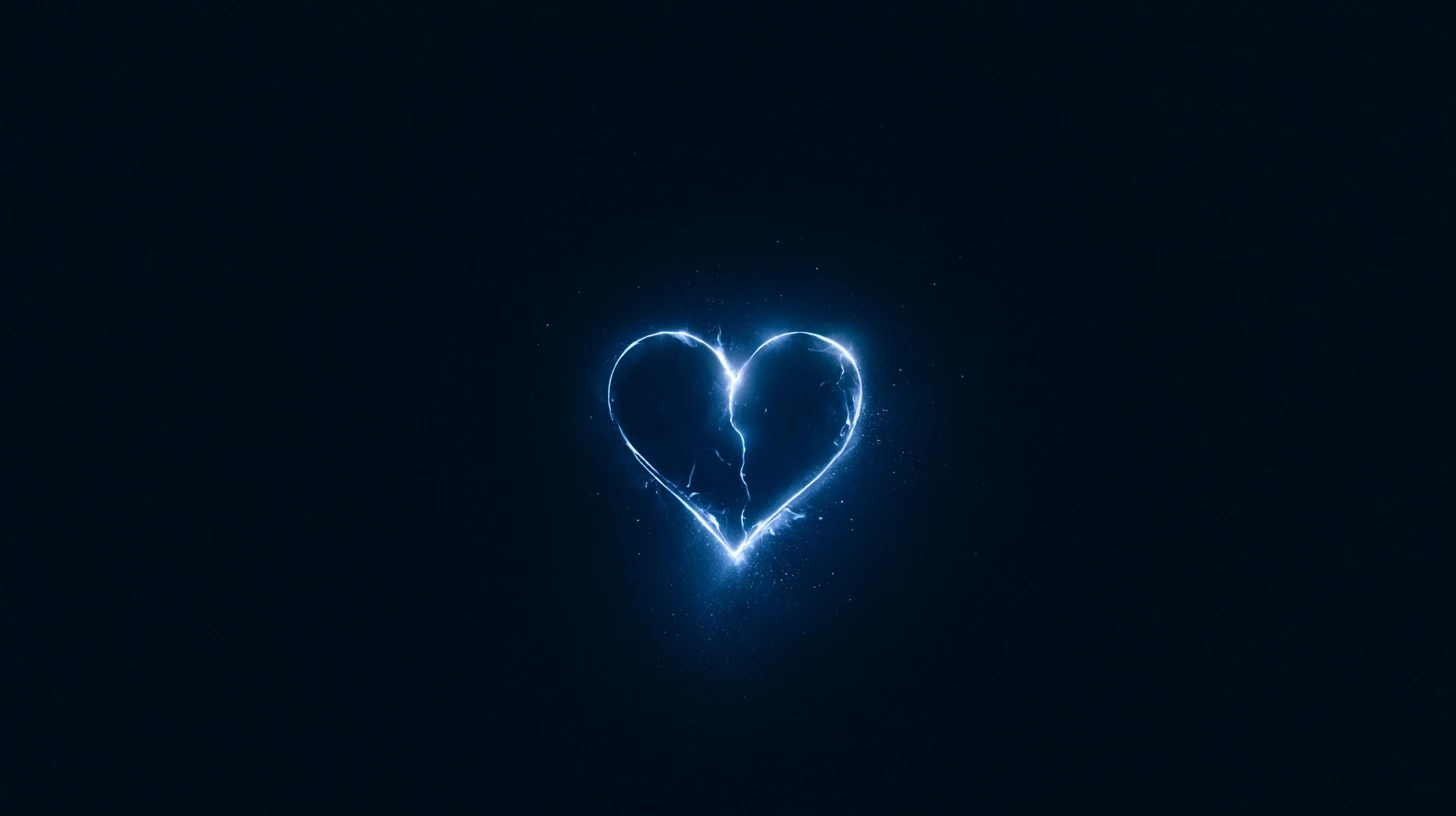
Everything black except one saturated element: red lipstick, a neon sign, a coloured light, a bright hair tie. At 40 pixels that accent is the only thing visible, and it’s enough.
Hard split light
Light from one side only, so half the face is lit and half is black. The hard boundary between them survives compression and downscaling.
Styles that work
Hidden face, black outfit
Hair across the face or a hand raised, in all black against a lighter wall. Conveys presence without exposure — the reason this style is so popular.
Back to camera
Dark clothing, figure turned away, lighter background. No face, strong silhouette, works at any size.
Black and neon
Dark frame with coloured light — city signage, LED strips, a phone screen lighting the face. High contrast and a distinctive colour, which is exactly what small display sizes need.
Black cartoon or illustration
A dark illustrated character with a bright outline or accent. The most reliable option of all, since you control the contrast entirely. See our cartoon attitude DP guide.
Shadow on a wall
Photograph the shadow instead of the person. Naturally high contrast, completely anonymous.
Editing a photo into this style
Order matters here — doing these in the wrong sequence produces a grey mess.
- Contrast first, not exposure. Raising exposure lifts the blacks to grey and kills the effect. Raise contrast to deepen the blacks and lift the highlights.
- Lower the shadows, raise the highlights. Push them apart rather than moving the whole image.
- Desaturate everything except one colour. Most editors have a selective colour or HSL panel for this.
- Add a subtle vignette. Darkening the edges pulls the eye to the centre — useful given the circular crop.
- Check at 50 pixels. Shrink it. If you can’t identify the subject, add more separation and repeat.
What to avoid
- Pure black with nothing else. Invisible at display size.
- Heavy noise reduction. It smooths away the edges you need.
- Dark subject on a dark background. No separation, no image.
- Text overlays. Unreadable at 40 pixels regardless of colour.
- Someone else’s photo. Using a stranger’s picture as your DP is impersonation.
Size and upload
| Platform | Upload |
|---|---|
| 640 × 640 min, 1024 × 1024 ideal | |
| 1080 × 1080 | |
| 720 × 720 | |
| Telegram | 512 × 512 |
Dark images suffer disproportionately from compression — banding appears in gradients, and shadow detail turns blocky. Upload PNG rather than JPG where the platform allows it, and always at the largest size.
Why dark DPs band and look blocky
Compression algorithms allocate less data to areas of similar tone. A large expanse of near-black is exactly that, so it gets compressed hardest — producing visible steps between shades instead of a smooth gradient.
Two mitigations: add very slight noise to gradient areas before uploading, which breaks up the banding; and avoid large smooth dark gradients in the first place, favouring hard-edged light instead.
Related guides
- Black DP for WhatsApp — more dark DP ideas.
- Very attitude DP
- WhatsApp DP attitude
- Attitude cute cartoon DP
- Anime DP for girls
Frequently asked questions
How do I make a black attitude DP that is still visible?
Add one bright element — a rim light along the subject, a lighter background, or a single saturated colour accent. Without separation, an all-black image is invisible at profile size.
Why does my black DP look like an empty circle?
There’s no contrast for the display size to show. Keep the subject dark but lighten the background, or add a rim light.
How do I take a black attitude photo at home?
Stand with a window behind and slightly to one side of you, wear black, and expose for the window. You’ll get a rim-lit silhouette.
What causes banding in dark DPs?
Compression allocates the least data to smooth areas of similar tone. Add slight noise before uploading, or avoid large smooth dark gradients.
Should I upload a dark DP as PNG or JPG?
PNG where the platform allows it. Dark gradients suffer more from JPG compression than most images.


Leave a Reply