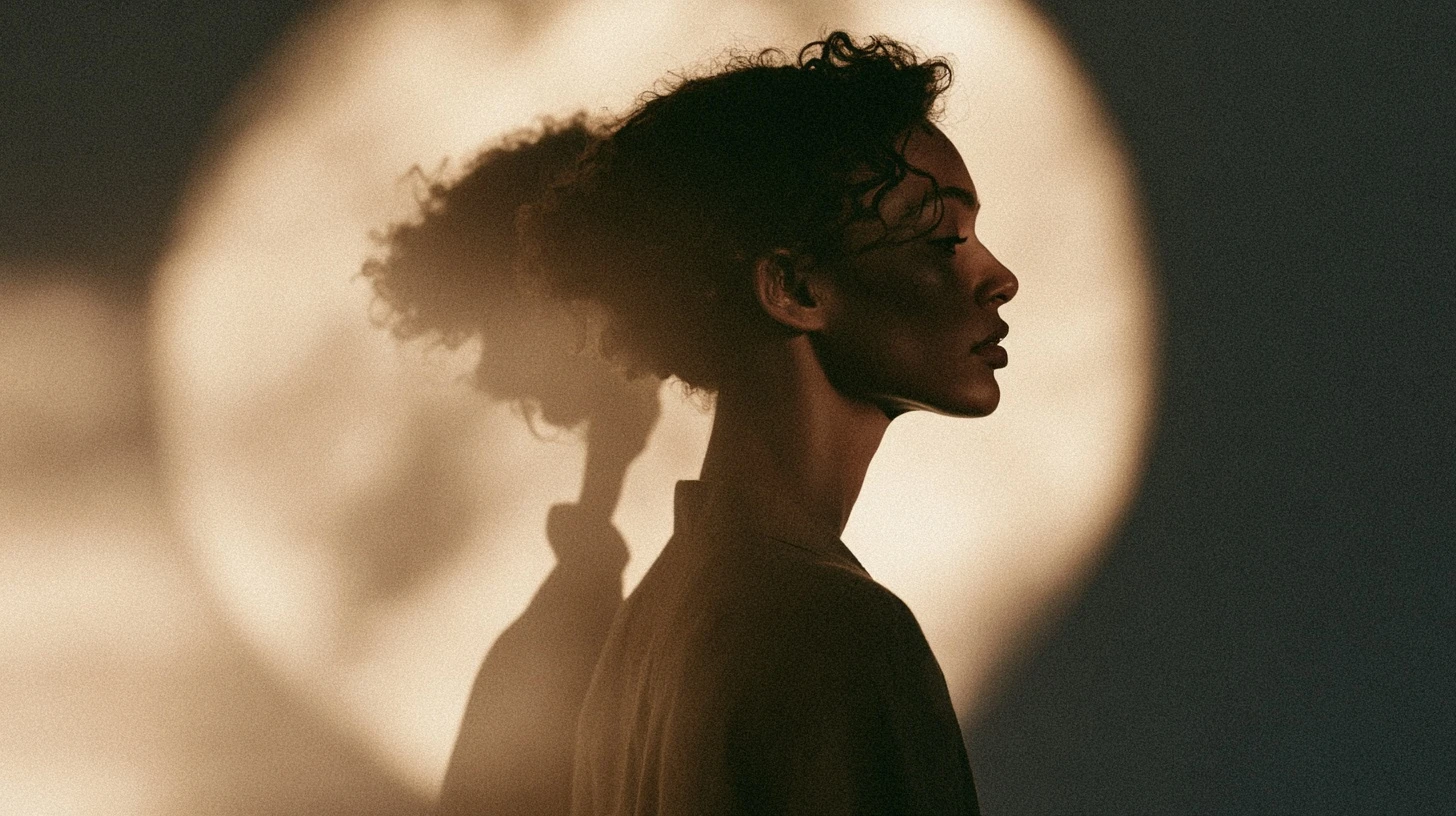
Most advice about profile photos for girls is about looking good. This guide is about something more useful: what actually survives being shown at 40 pixels in a chat list, and how to choose or take a DP that works there — including plenty of options that don’t involve showing your face at all.
Start with the constraint
Your DP displays at roughly 40 pixels on WhatsApp, 32 on some apps, and only reaches a decent size when someone deliberately opens your profile.
At 40 pixels:
- Facial features are gone — only the overall face shape and hair remain.
- Backgrounds become noise.
- Anything below about 30% contrast turns grey.
- Text is completely unreadable.
Every recommendation below follows from that.
Photo styles that work
Close-crop portrait
Face filling the frame, cropped just below the chin. Unglamorous advice, but it’s the single most effective choice — the face occupies the entire circle instead of being a dot in a landscape.
Natural window light
Stand facing a window on an overcast day. Soft, even, flattering, and free. Direct sun creates harsh shadows; indoor bulbs cast colour tints. A window is better than both.
Plain background
A single-colour wall makes you the only thing in the frame. Busy backgrounds compete for the few pixels available and lose you in the noise.
One bold colour
A saturated top or scarf against a neutral background. In a chat list full of muddy photos, one clean colour is what draws the eye.
Profile or three-quarter angle
Turning slightly away creates a more distinctive head silhouette than facing straight on, which helps at small sizes.
DP ideas without showing your face
A large share of people would rather not have their face visible to every unknown number and large group. These all work well:
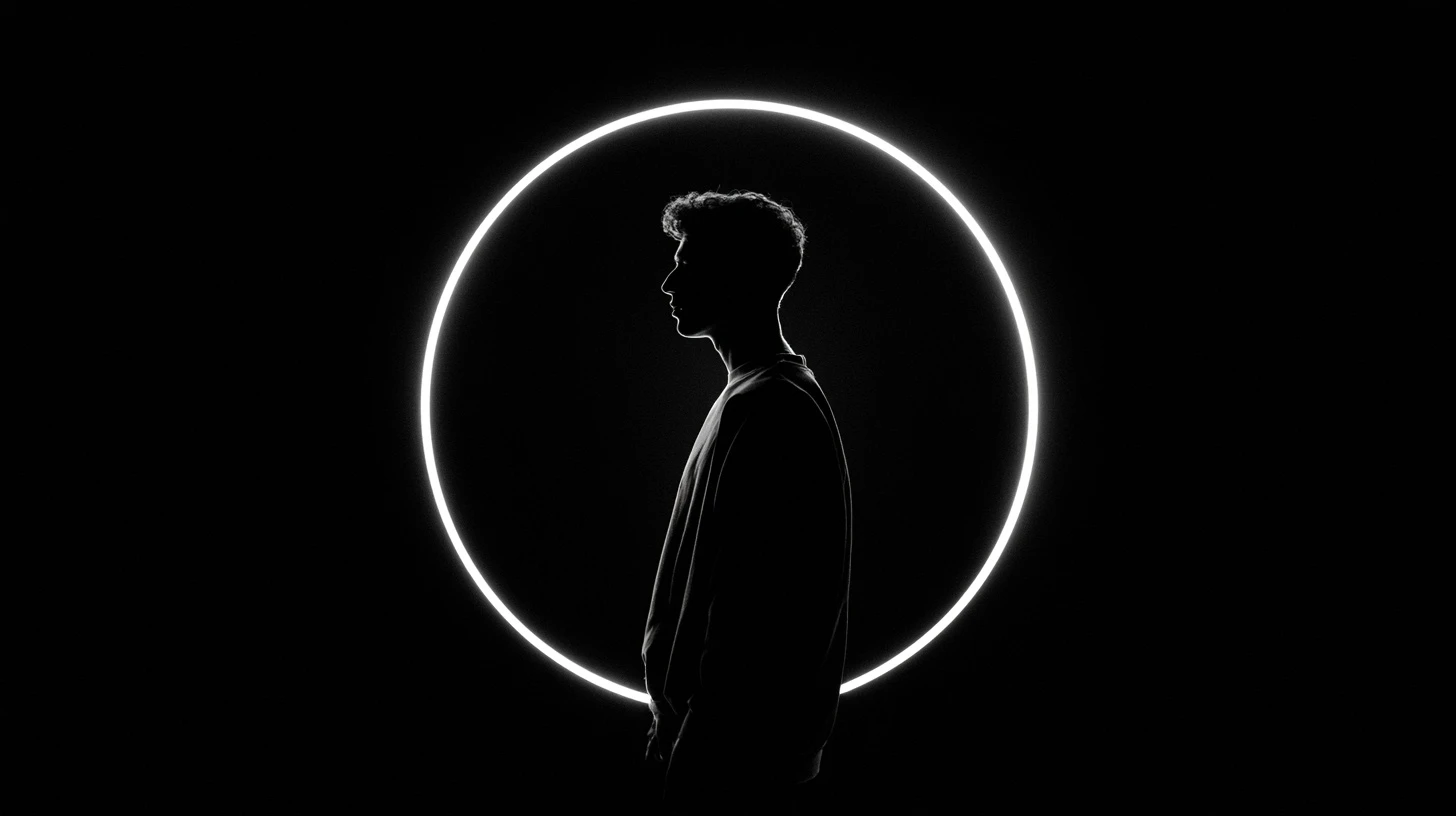
- Silhouette against a window or sunset — pure shape, maximum legibility.
- Back of the head, showing hair against a plain background.
- Hands only — holding a cup, a book, flowers.
- Hidden face — hair across the face, a hand raised, looking down.
- A single flower or leaf filling the frame.
- Your initial as a designed letter — see our name DP guide.
- Illustrated character — the cartoon DP guide covers this.
- Anime portrait — see anime DP for girls.
Taking a good DP with a phone
- Find a window. Face it, don’t stand with your back to it. Overcast light is ideal.
- Use the rear camera. It’s substantially better than the front-facing one. Use a timer or ask someone.
- Keep the background plain. A blank wall beats any interesting location for this purpose.
- Get closer than feels natural. Head and shoulders, nothing more.
- Take twenty. Small changes in angle and expression matter more than you’d expect.
- Crop square before uploading. Don’t leave the crop to the app.
- Check at 40 pixels. Shrink it and look before you commit.
Editing: less than you think
Heavy editing actively hurts at DP size.
Helps: a small contrast increase; slight sharpening; cropping tighter; straightening.
Hurts: heavy smoothing filters, which remove the edge definition that carries the image; strong colour grading, which flattens contrast; beauty filters that soften features until nothing reads at small size.
The irony is that filters designed to make a photo look better full-screen make it look worse at the size people actually see it.
A privacy note worth acting on
WhatsApp’s default setting shows your profile photo to everyone who has your number — including strangers, wrong numbers and bulk-messaging operations. Photos scraped this way get reused in fake profiles.
Change it: Settings → Privacy → Profile photo → My contacts. The people you actually talk to still see it; nobody else does. It takes ten seconds and there’s no downside.
If you’d rather not think about it at all, a non-photo DP — a letter, an illustration, a flower — removes the question entirely.
Size and format
| Platform | Upload size |
|---|---|
| 640 × 640 min, 1024 × 1024 ideal | |
| 1080 × 1080 | |
| 720 × 720 | |
| Telegram | 512 × 512 |
Photos: high-quality JPG is fine. Illustrations and letters: PNG.
The circle crop
Every platform crops to a circle, removing about 21% of a square image from the corners. Centre yourself, leave margin, and use the crop preview.
One specific tip: position the face slightly above centre. Faces sit naturally in the upper part of a frame, and centring the whole head often leaves awkward empty space below once cropped.
Why yours looks blurry
- It came from a chat. Images received through WhatsApp are already compressed. Use the original.
- It’s a screenshot. Lossy and low resolution by nature.
- The source was too small. Below 640 pixels the app upscales.
- It’s been saved repeatedly. Each JPG save loses quality.
Related guides
Frequently asked questions
What makes a good DP photo?
A tight crop on the face, soft window light, a plain background, and enough contrast to still read at 40 pixels — which is the size people actually see it.
How do I take a good DP at home?
Face a window on an overcast day, use the rear camera with a timer, stand against a plain wall, crop to head and shoulders, and take plenty of shots.
What DP can I use without showing my face?
Silhouettes, back-of-head shots, hands, flowers, a designed letter, or an illustrated character. Several of these read better at small sizes than a face does.
Should I use a filter on my DP?
Sparingly. Smoothing and beauty filters remove the edge definition that keeps an image legible at profile size, so they often make it look worse where it counts.
Who can see my WhatsApp DP?
Everyone with your number, by default. Change it under Settings → Privacy → Profile photo to “My contacts”.
What size should a DP photo be?
1024 × 1024 square. Every platform downscales from your upload, and none of them upscale well.



Leave a Reply