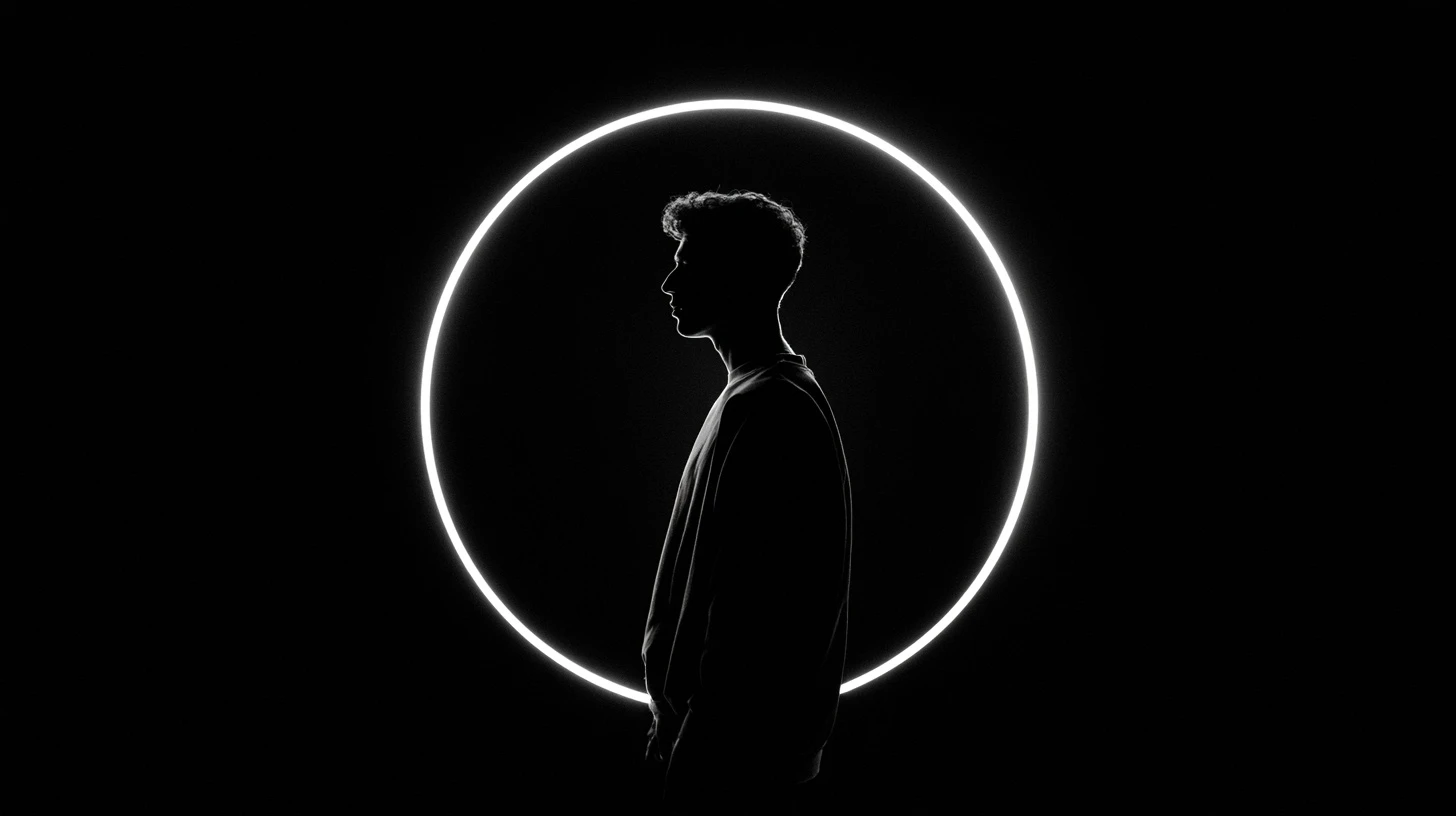
The black DP is the most-requested WhatsApp profile picture style and the one that fails most often. The reason is simple arithmetic: WhatsApp shows your DP at about 40 pixels, and a solid black circle at 40 pixels carries no information whatsoever. This guide covers how to get the look while still having a DP that actually appears.
Why plain black DPs disappear
At 40 pixels an image communicates through two channels only: its overall shape and its dominant colour.
A fully black DP has neither. The shape is the same circle everyone else has. There’s no colour. In a chat list it renders as a dark hole — technically a profile picture, practically nothing.
People choose black DPs to look striking. Done without any separation, the effect is the opposite: you become the least visible person in the list.
The one technique that fixes it
Every black DP that works has a single bright element. That’s it — that’s the technique.
Rim light
A bright edge along one side of the subject. The body stays black; the outline appears. The most effective option, and the one portrait photographers reach for.
To shoot it: stand with a window or lamp behind and slightly to one side of you, and expose for the light rather than for yourself.
Lighter background
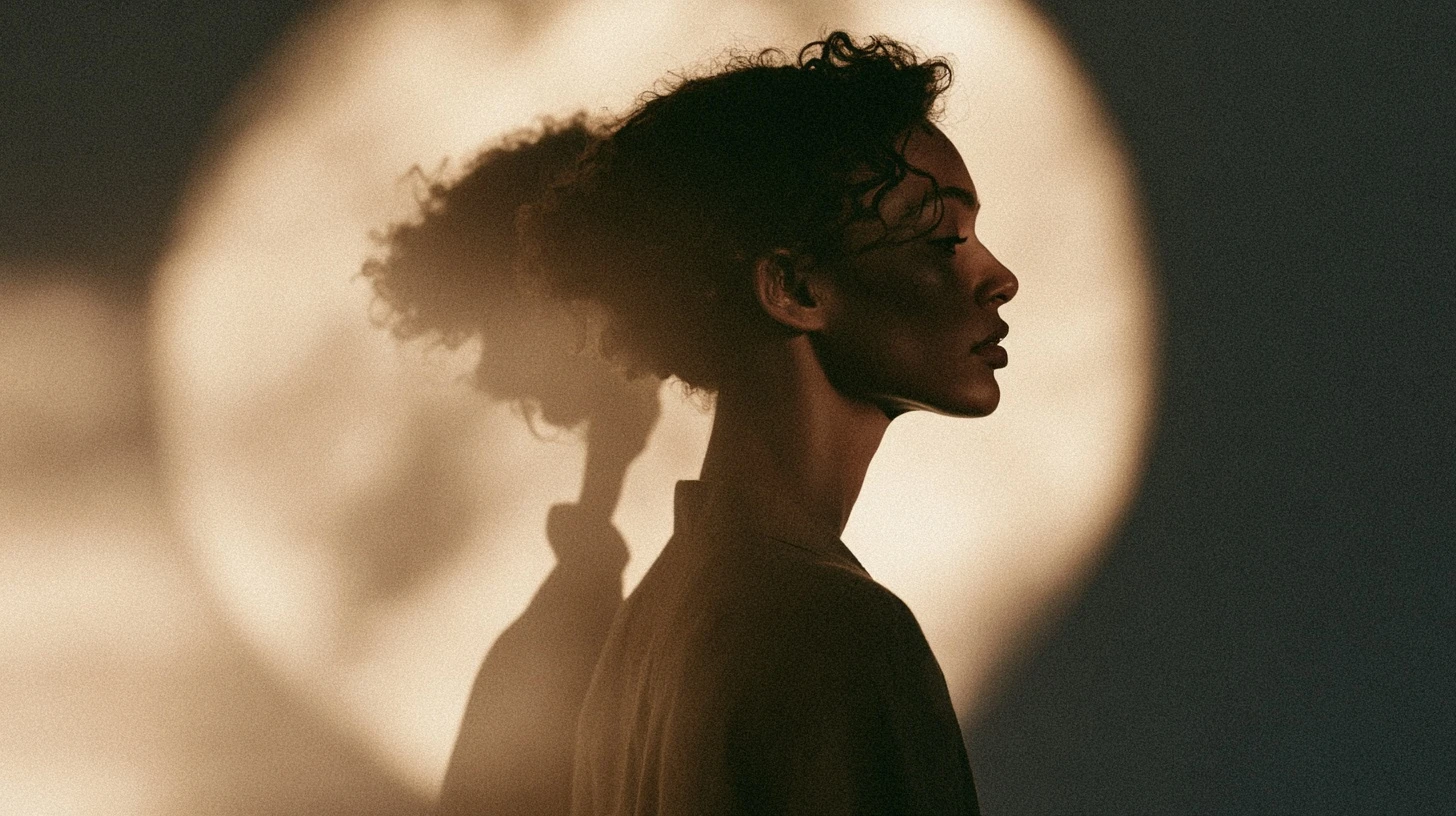
Keep the subject black and let the background carry light — a grey wall, a window, an overcast sky. You get a silhouette, which is the single most legible thing you can put in a small circle.
One colour accent
Everything black except one saturated element. A red sleeve. A neon sign. A phone screen. At 40 pixels that accent is the entire image, and it’s enough.
Split lighting
Light from one side only — half lit, half black. The hard boundary survives both downscaling and WhatsApp’s compression.
Texture in the black
Not flat black but black with visible structure: fabric weave, wet asphalt, rippled water. Subtle at full size, but it gives the compression something to hold onto.
Silent and minimal black DPs
“Silent” black DPs — deliberately quiet, low-key images — are a distinct style, and they work when there’s one anchoring element:
- A single light in a dark room.
- A window at night with one bright square.
- A candle or a small flame.
- A dark road with one streetlight.
- A black-and-white photo with one white area.
- Rain on glass with light behind it.
In each case the composition is overwhelmingly dark, and one bright point makes it readable.
Black DP without a photo
If you want the look but no picture of yourself:
- Black with a white letter. Your initial in bold white. Anonymous, high contrast, and unmistakable at any size. See our name DP guide.
- Black with a single icon. One simple white shape.
- Dark cartoon character with a bright outline. Covered in the cartoon DP guide.
- Black with a thin bright ring just inside the crop edge.
- Dark gradient from black to one deep colour — navy, maroon, forest green.
Editing a photo into a black DP
Order matters. Doing these out of sequence gives you grey, not black.
- Raise contrast, not exposure. Exposure lifts blacks to grey. Contrast deepens the blacks and pushes highlights up — which is what you want.
- Pull shadows down, push highlights up. Separate them rather than moving the whole image.
- Desaturate everything but one colour using a selective colour or HSL panel.
- Add a vignette. Darkening the edges concentrates attention centrally, which suits a circular crop.
- Shrink to 50 pixels and check. If you can’t identify the subject, add separation and repeat.
Banding: why dark DPs look blocky
Compression allocates the least data to areas of similar tone. A large expanse of near-black is exactly that, so it gets compressed hardest — producing visible steps instead of a smooth gradient.
Two fixes:
- Add very slight noise to gradient areas before uploading. It breaks up the steps.
- Avoid large smooth dark gradients entirely. Hard-edged light compresses far better than a soft fade.
Upload settings
| Setting | Value |
|---|---|
| Size | 1024 × 1024 (640 minimum) |
| Format | PNG where possible |
| Colour space | sRGB |
| Shape | Square — WhatsApp crops to a circle |
PNG matters more for dark images than for any other kind. JPG’s compression artefacts are most visible in shadow areas, which is most of the image here.
What to avoid
- Pure #000000 with nothing else. Invisible at display size.
- Dark subject on a dark background. No separation.
- Heavy noise reduction. It smooths away the edges you need.
- Text. Unreadable at 40 pixels, whatever colour it is.
- Very low-resolution sources. Dark images show upscaling artefacts more clearly than bright ones.
Related guides
- Killer attitude DP girl black — more on the dark attitude style.
- New WhatsApp DP ideas
- WhatsApp DP attitude
- Broken and sad DP
- S name DP
Frequently asked questions
Why does my black DP look like an empty circle?
There’s no contrast for the display size to render. Add a rim light on the subject, lighten the background, or include one bright colour accent.
How do I make a black DP that still looks good on WhatsApp?
Keep the subject dark but ensure one bright element — an edge light, a lighter background, or a single saturated accent. That one element is what makes the image visible at 40 pixels.
What is a silent black DP?
A deliberately quiet, minimal dark image — a single light in a dark room, a candle, a streetlit road. It works when there’s one bright anchor point.
Why does my dark DP look blocky?
Compression banding. Add slight noise to gradient areas before uploading, or avoid large smooth dark gradients.
Should a black DP be PNG or JPG?
PNG. JPG artefacts are most visible in shadow, which is most of a black DP.





Leave a Reply